Add a photo of you
One clear, full-length photo in good light. Pocket Try checks it for you and sets you on a clean studio backdrop.
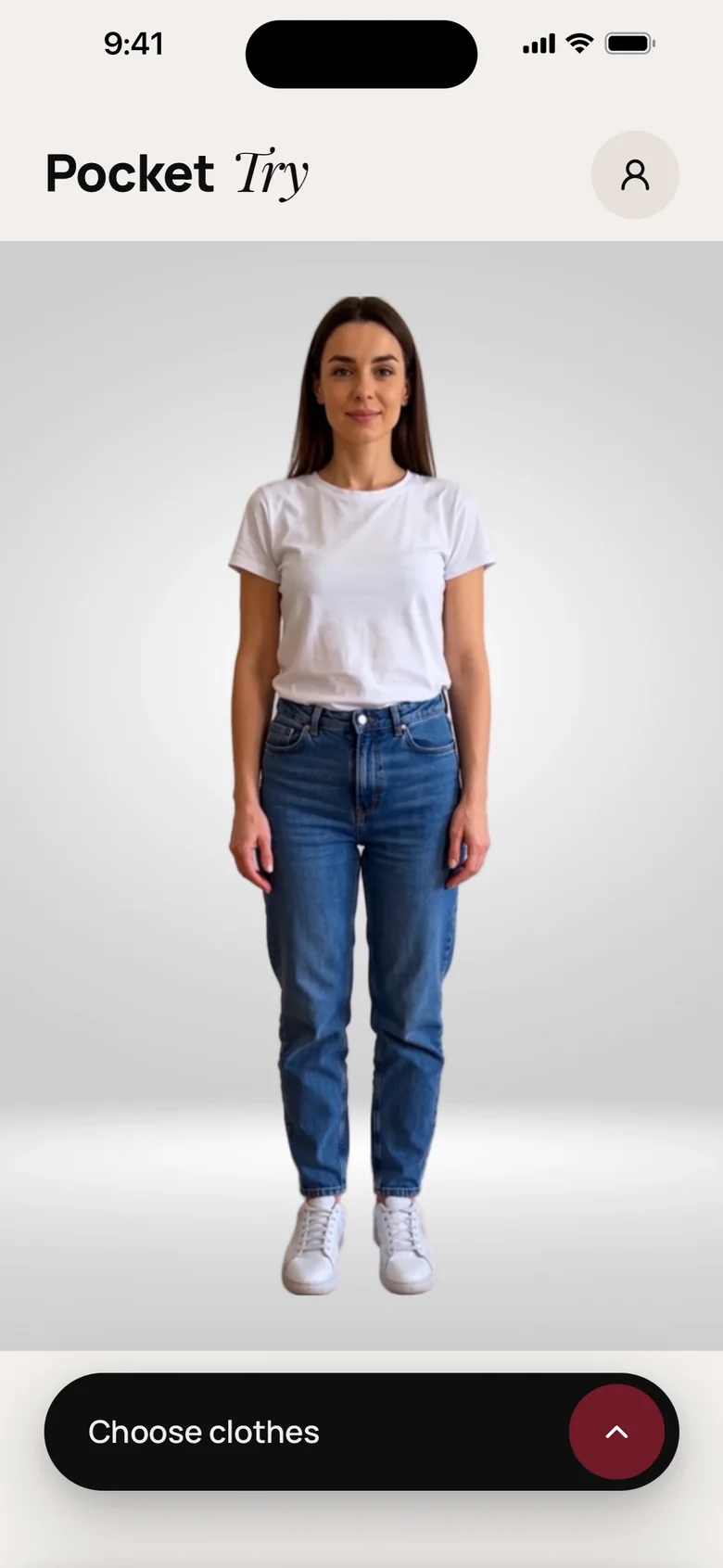
Pocket Try is your AI fitting room. Add one photo of yourself, snap your clothes and see any combination on you, in studio quality, before you wear it, pack it or buy it.


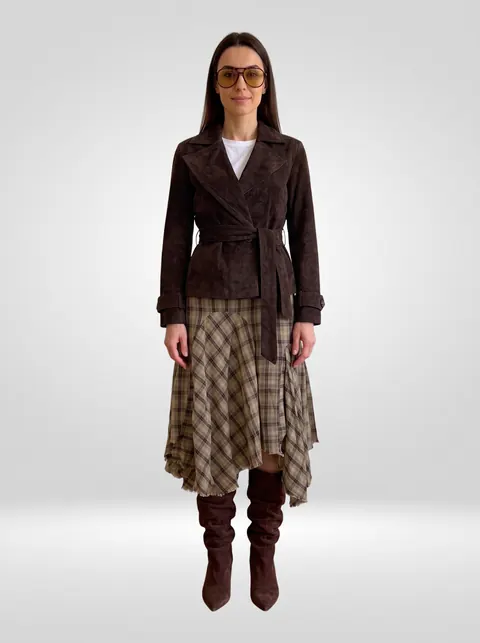
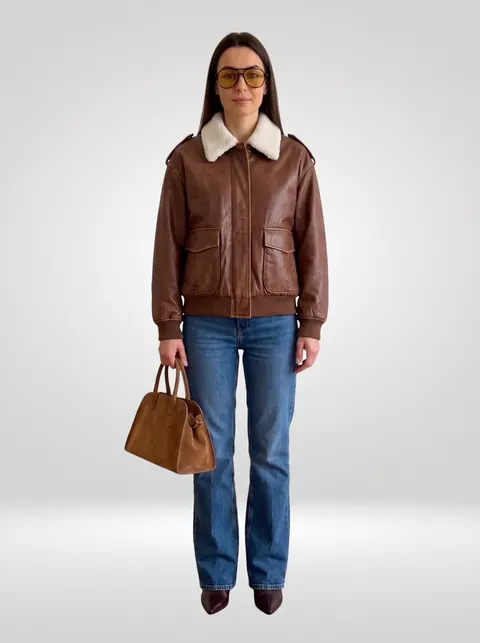
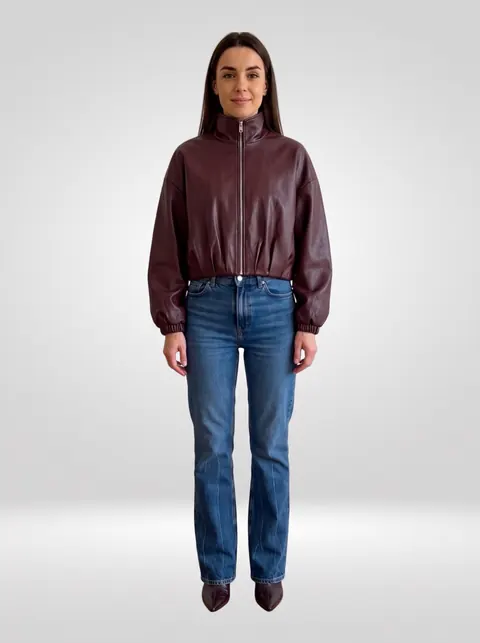
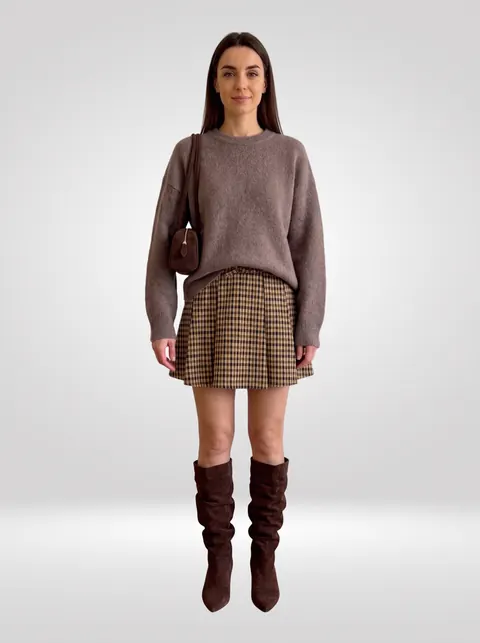
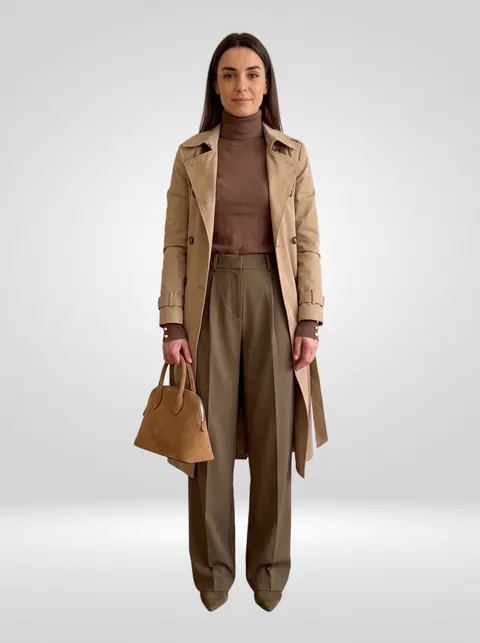
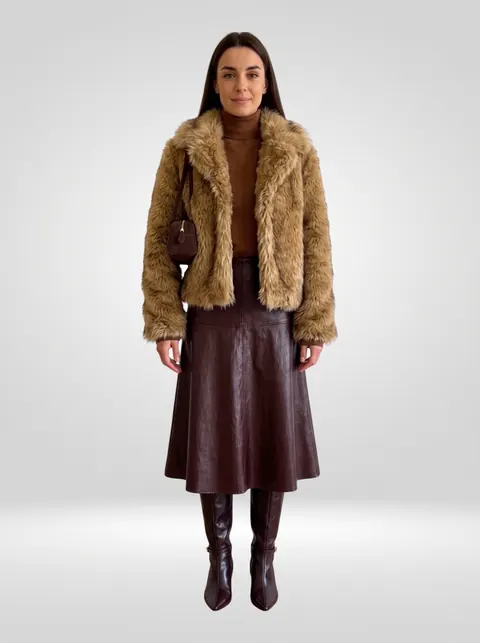
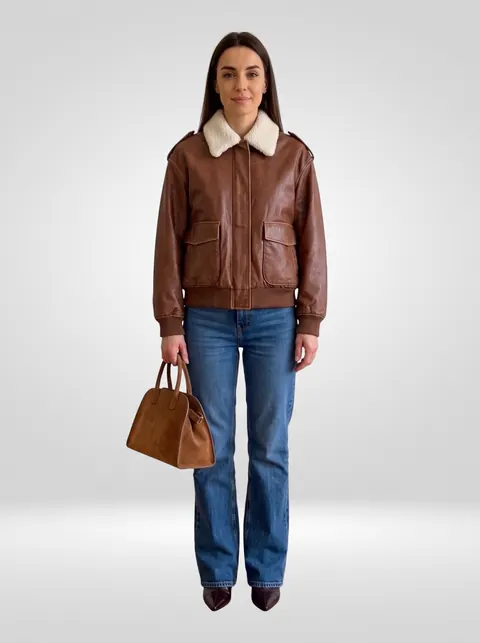
A simple photo at home becomes a styled, studio-lit look in your real proportions. Drag to compare, then pick another outfit.
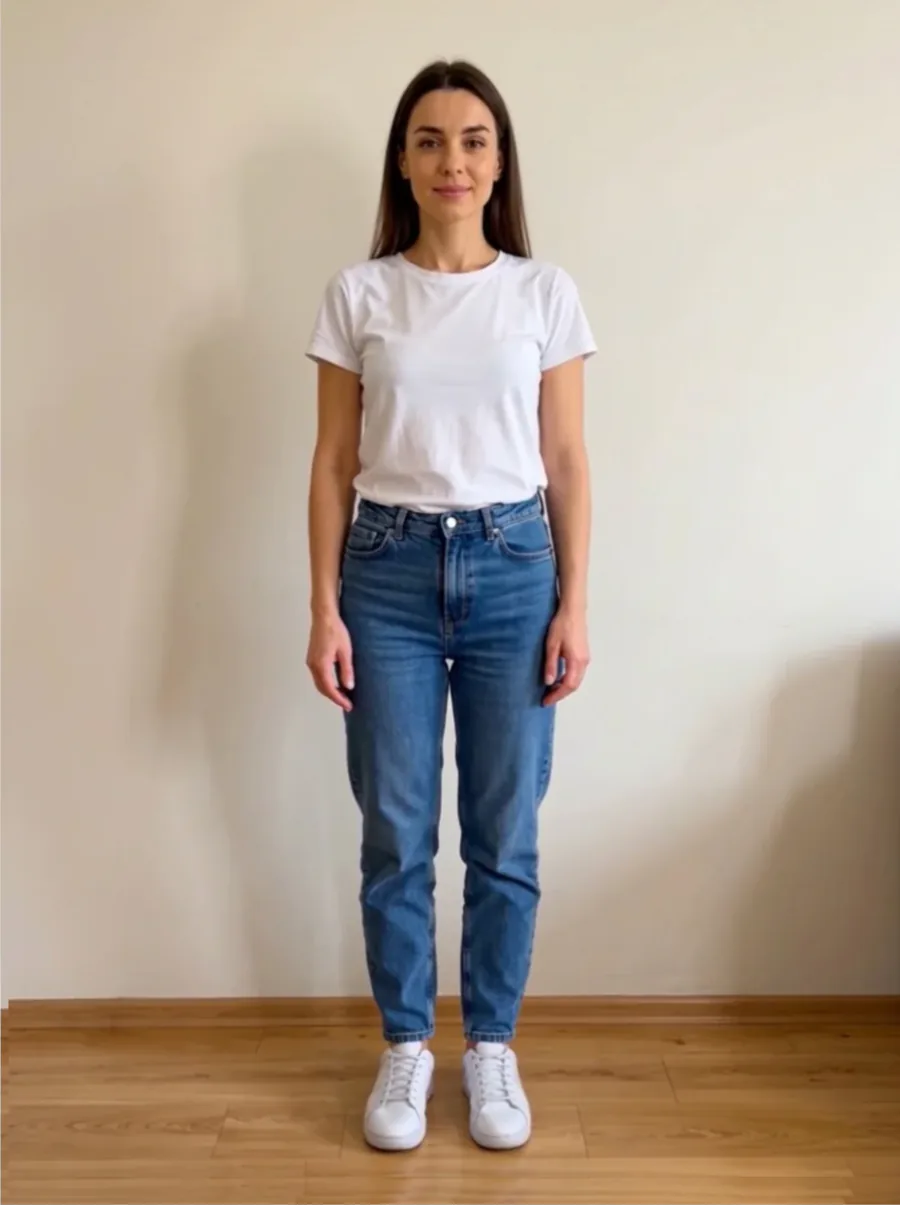
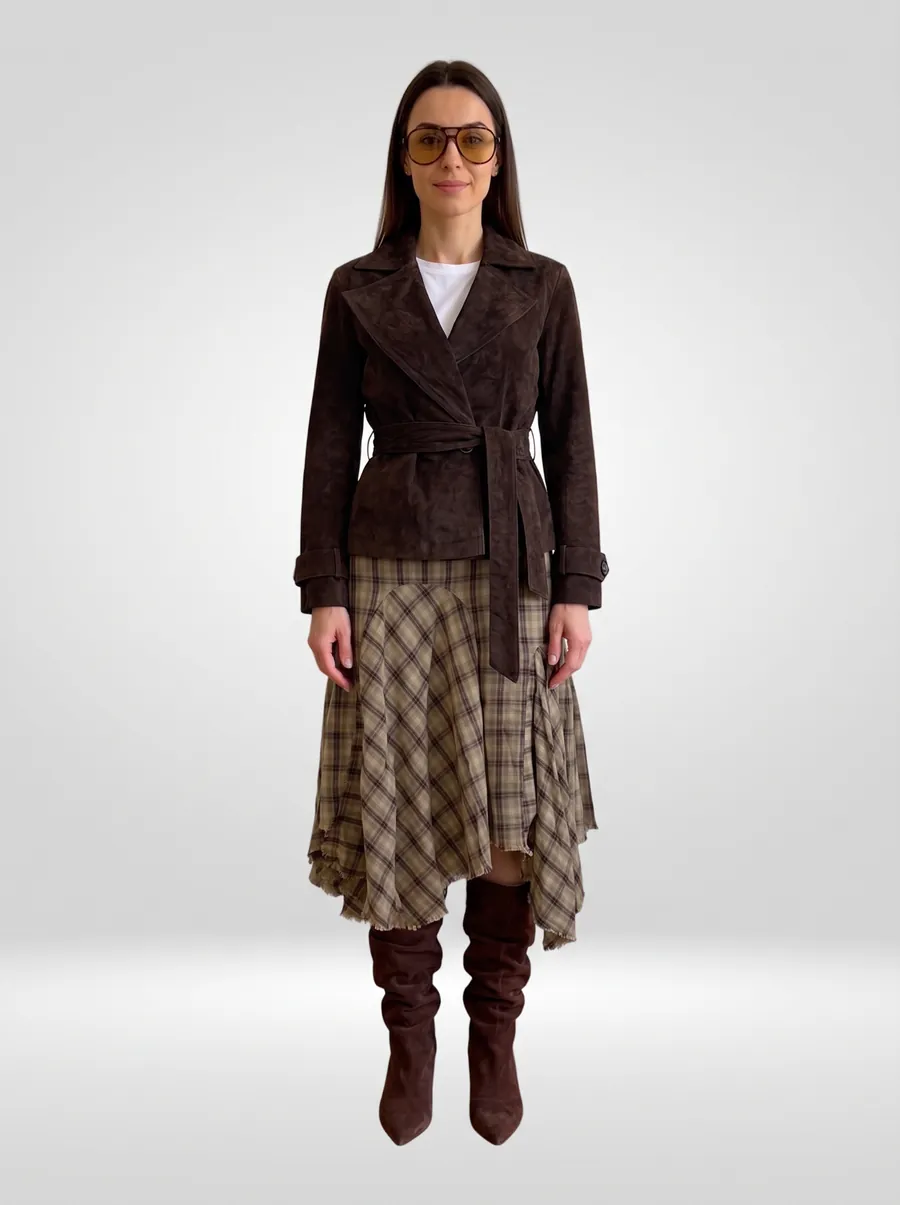
One clear, full-length photo in good light. Pocket Try checks it for you and sets you on a clean studio backdrop.
Snap or upload your clothes. Each piece is recognized, sorted and neatly cut out, ready to wear.
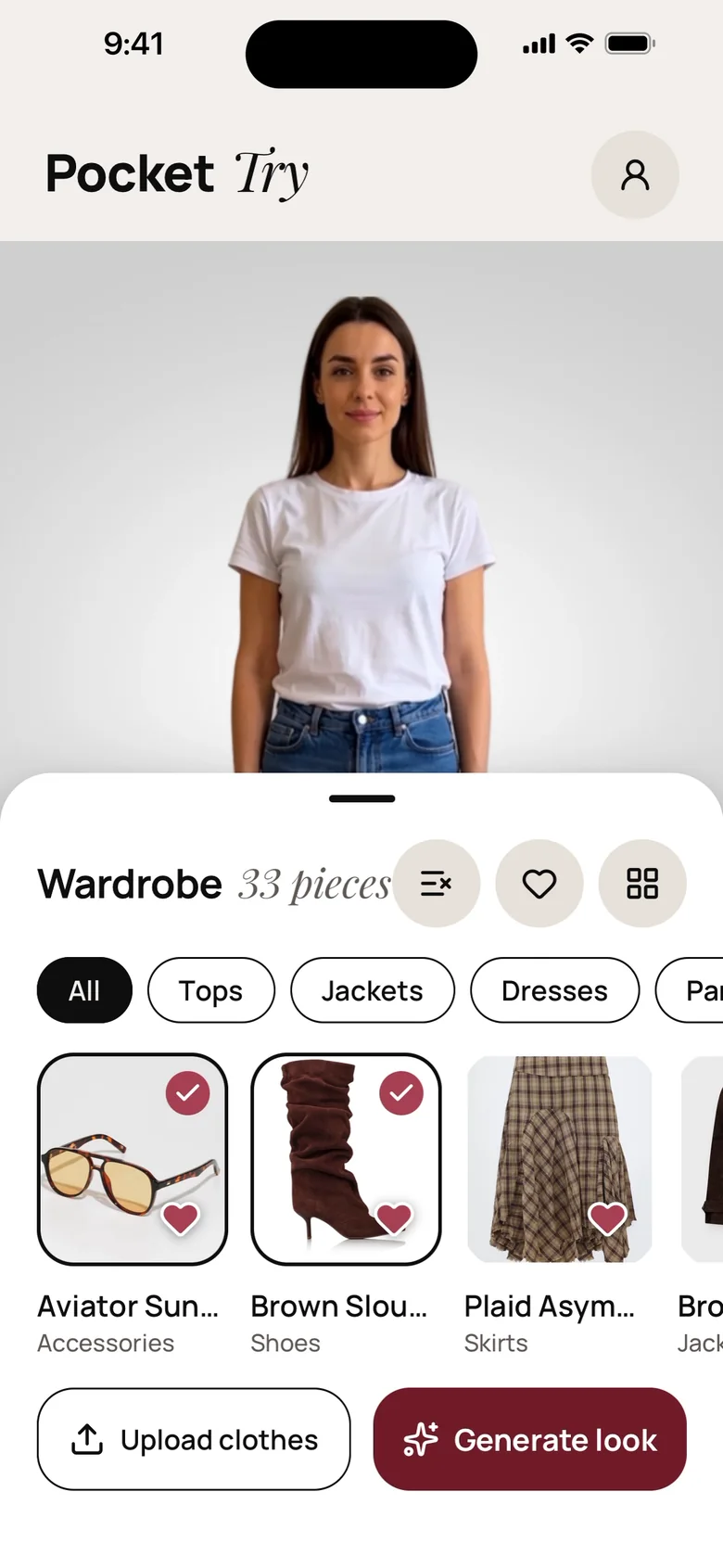
Pick the pieces, tap Generate and see the whole outfit on you. Save it, share it or try the next one.
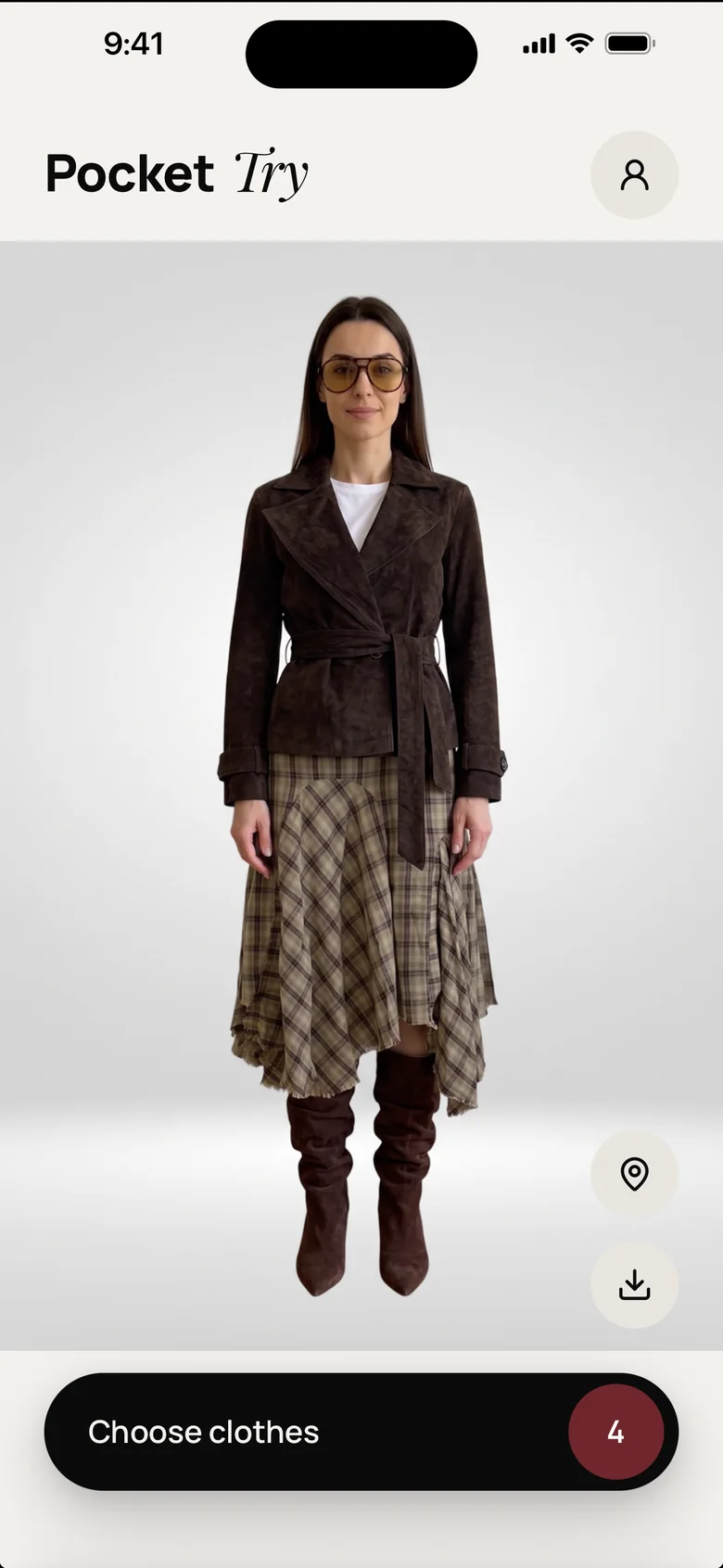
Behind every look, Pocket Try reads your photo, fits each piece to your body and matches the light, so the result looks like you and not like a collage.
A look usually takes a minute or two. Leave the app if you like, and we’ll let you know when it’s ready.
Everything you need to plan outfits, shop smarter and fall in love with the clothes you already own.
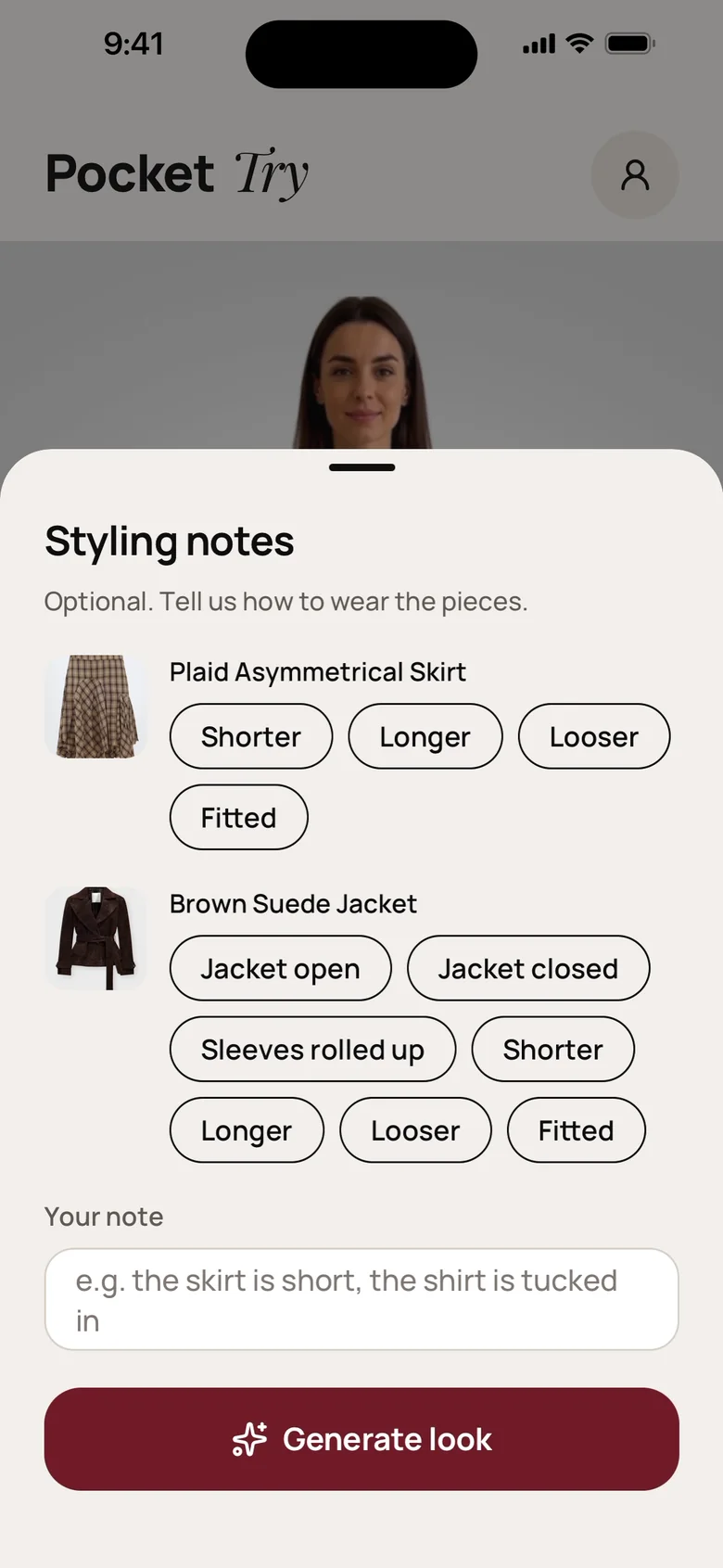
Wear it your way. Tuck the shirt in, roll the sleeves, leave the jacket open or ask for a looser fit, or simply write what you have in mind.
Jacket, top, skirt, boots, bag and sunglasses, all in one look.
Describe any place and see your look there, before the trip, the date or the big day.
Every piece is recognized and filed under tops, jackets, dresses, pants, skirts, shoes or accessories, with the background removed.
A seamless backdrop, soft shadows and true-to-life color, like a lookbook shot made for you.
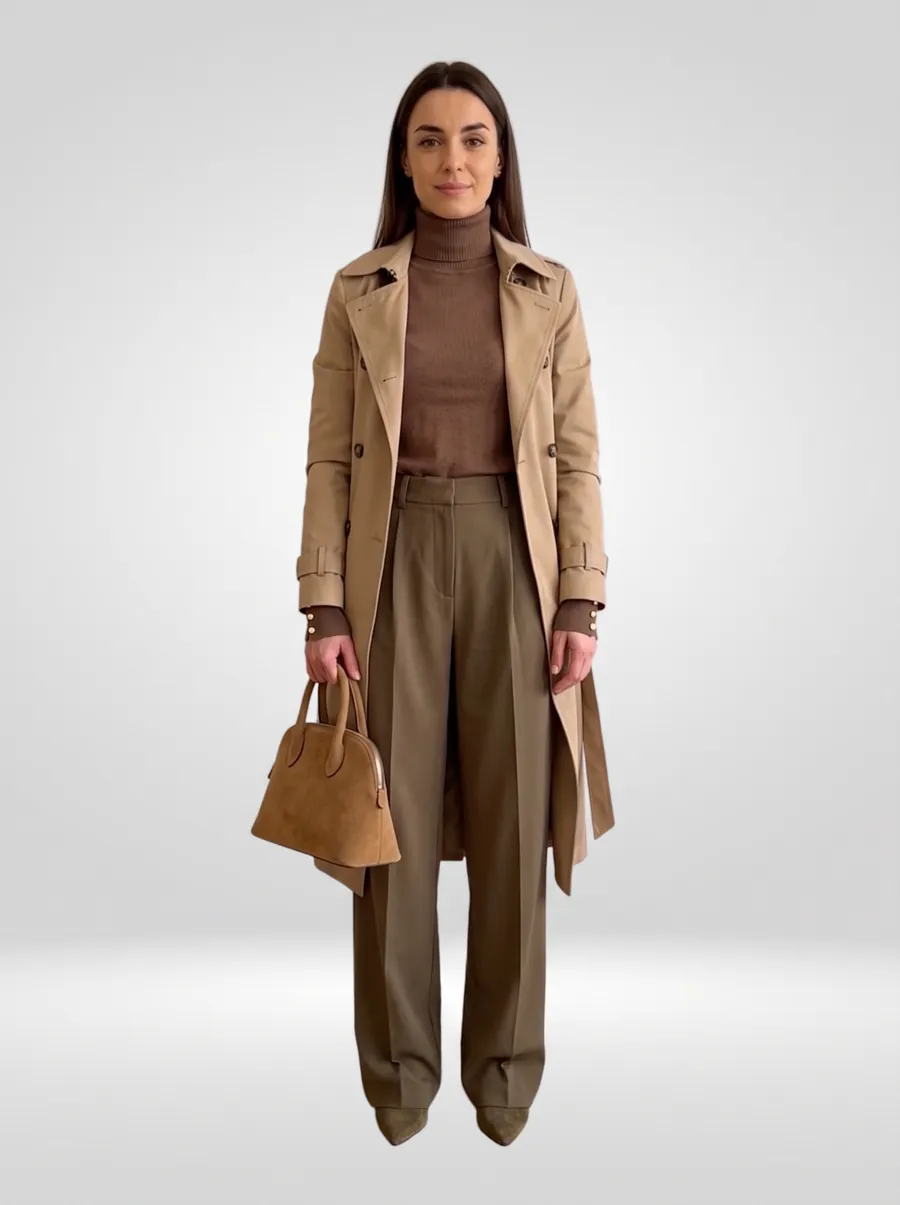
Save any look to Photos, share it with friends and keep your favorites one tap away.
Choose the quality for every look: maximum detail, or a lighter look for quick ideas.
Heart the pieces you reach for most and revisit every look you’ve created, side by side with your original photo.
Start a look and get on with your day. We’ll send a notification the moment it’s done.
Pocket Try is available in 10 languages, in light or dark mode, on iPhone and Android.
Thirty seconds is all it takes. The app shows you how before your first photo.
You trust us with something personal. We treat it that way, from the first photo to the last.
Your photos, clothes and looks are visible only to you. Nothing is ever posted or shared without you.
We ask before your first photo is processed with AI, and AI providers don’t keep copies after processing.
Remove any photo, piece or look in a tap, or delete your whole account right from Settings.
Continue with Apple, Google or a one-time code by email. No new password to remember.
Every new account gets 10 free credits. After that, choose credits that never expire or go Plus for a fresh allowance every month.
Everything you need to see how it works.
More looks every month. Keep everything longer.
Pay once, use whenever. Credits you buy never expire.
Prices in euro, VAT included. Your local price is shown in the App Store or Google Play. Plus renews monthly until you cancel; monthly credits don’t roll over.
Very. Pocket Try fits each piece to your body and matches the light of your photo, so outfits look natural and true to you. Looks are AI-generated previews, so details like exact fit or size can differ slightly from real life. They’re made to help you decide, not to replace a fitting room for sizing.
A clear, full-length photo of you, standing straight in soft, even light, ideally in simple, fitted clothes. The app checks every photo and shows a short guide before your first one.
Tops, jackets, dresses, pants, skirts, shoes and accessories. Photograph pieces you own, or add a photo of something you’re thinking of buying. Each one is recognized and cut out automatically.
Usually a minute or two. You can close the app while it works. We’ll send you a notification when your look is ready.
Your credits are returned automatically, every time. You only pay for looks you actually get.
Credits you buy never expire. Plus credits are a monthly allowance: they refresh with each renewal and don’t roll over to the next month.
Anytime, in your Apple ID or Google Play subscription settings. Plus stays active until the end of the month you’ve already paid for.
Yes. Delete any photo, piece or look whenever you like, or delete your entire account in Settings → Delete account. Read more in our Privacy Policy.
Get Pocket Try on the App Store or Google Play and start with 10 free credits on us.